1.2 Finding the sign-in page
- Step 1.
Open your web browser and go to https://attackgraph.org. This is the AttackGraph.org front page. The front page itself has no sign-in button: signing in happens from inside the builder.
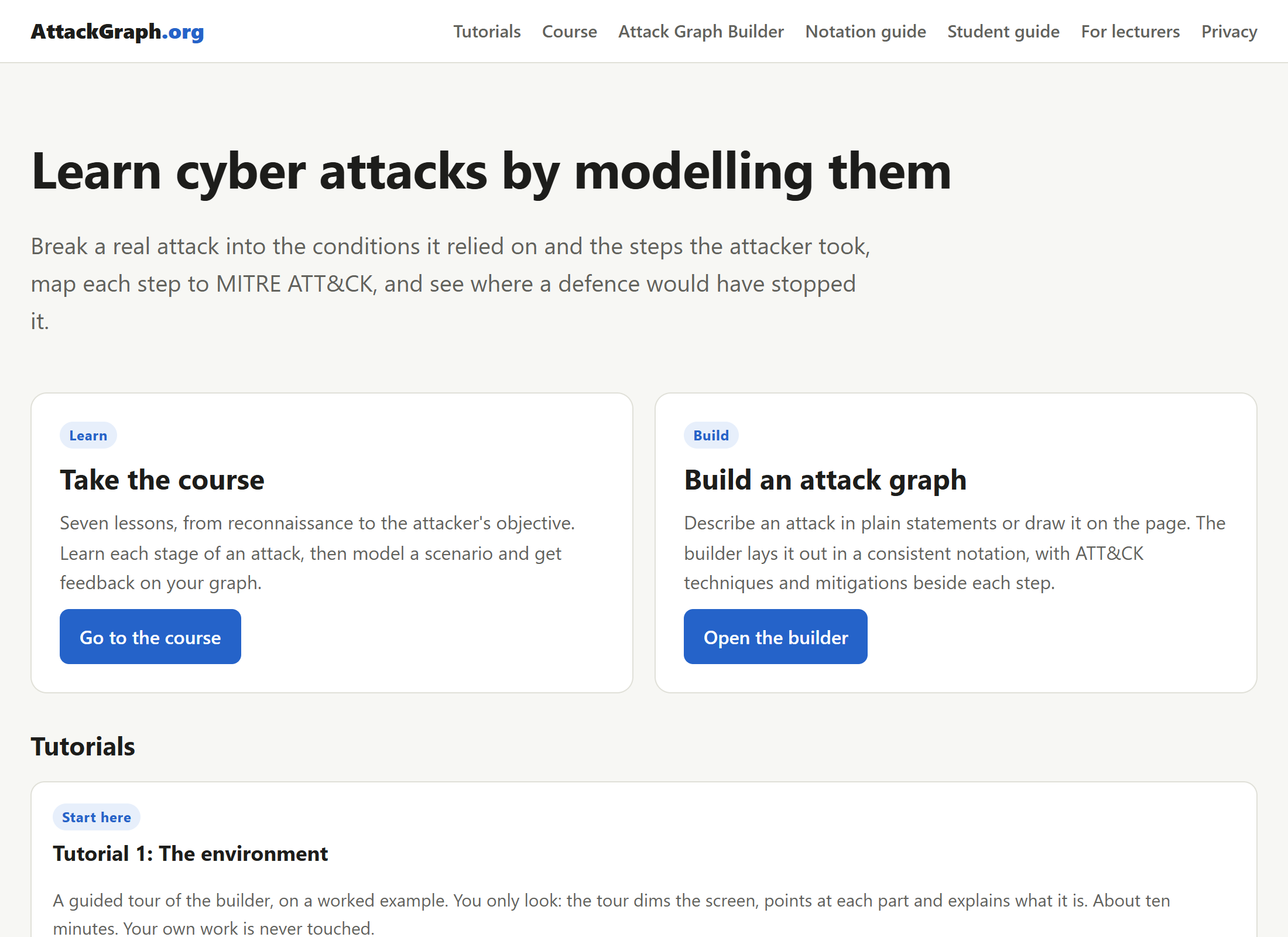
Figure 1.1. The AttackGraph.org front page. Choose Open the builder. - Step 2.Choose Open the builder, or Attack Graph Builder in the top menu.
- Step 3.
When the builder opens and you are not signed in, you will see a red notice, NOT SIGNED IN: nothing is saved to your account, and a Sign in button, both at the top right. Press Sign in.
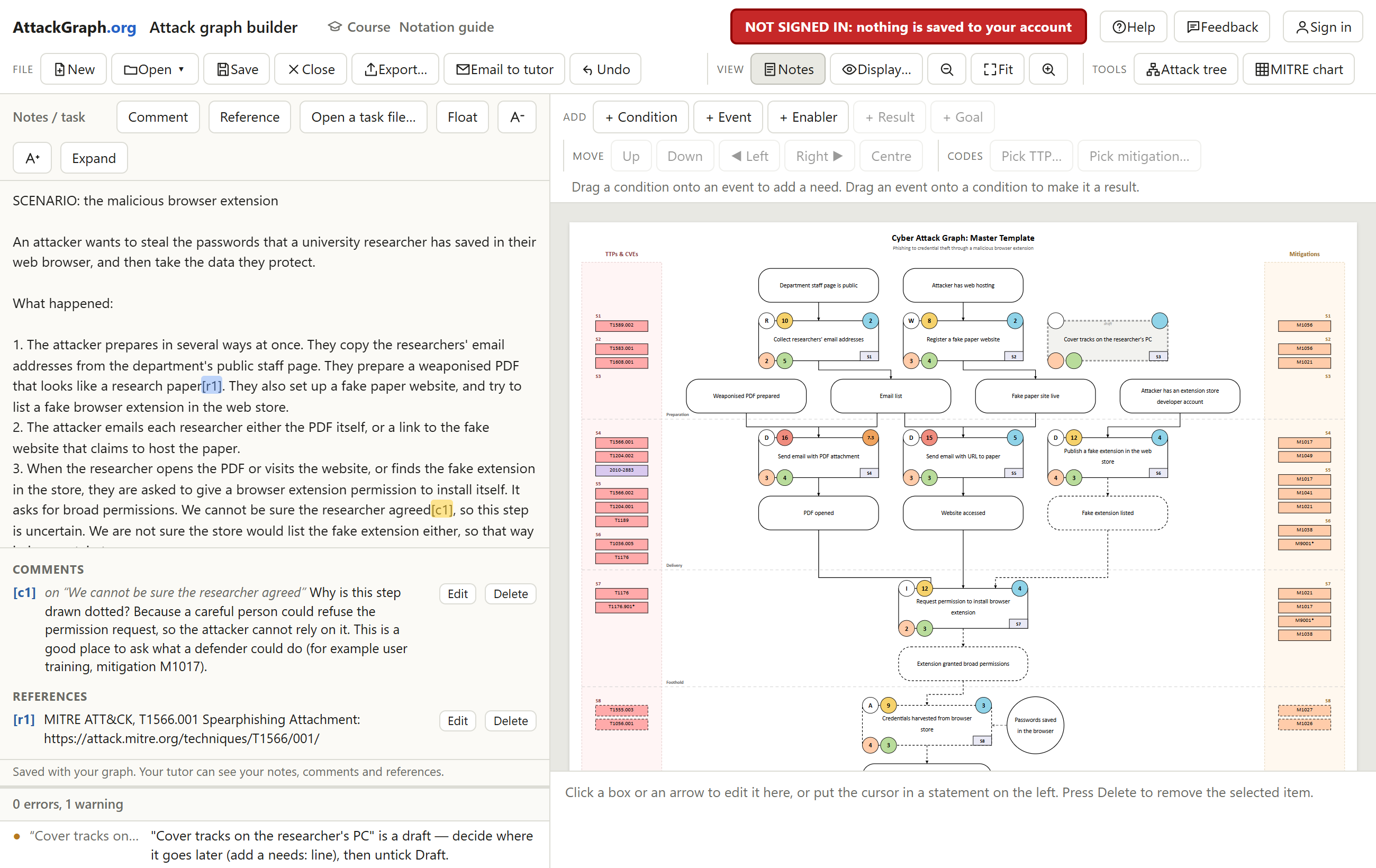
Figure 1.2. The builder when you are not signed in. The red notice and the Sign in button are at the top right.